

Available to the Master subscription tier and above. Upgrade here.
Here's how to customize your Manuscripts font so you can make your writing space as comfortable to use as possible:
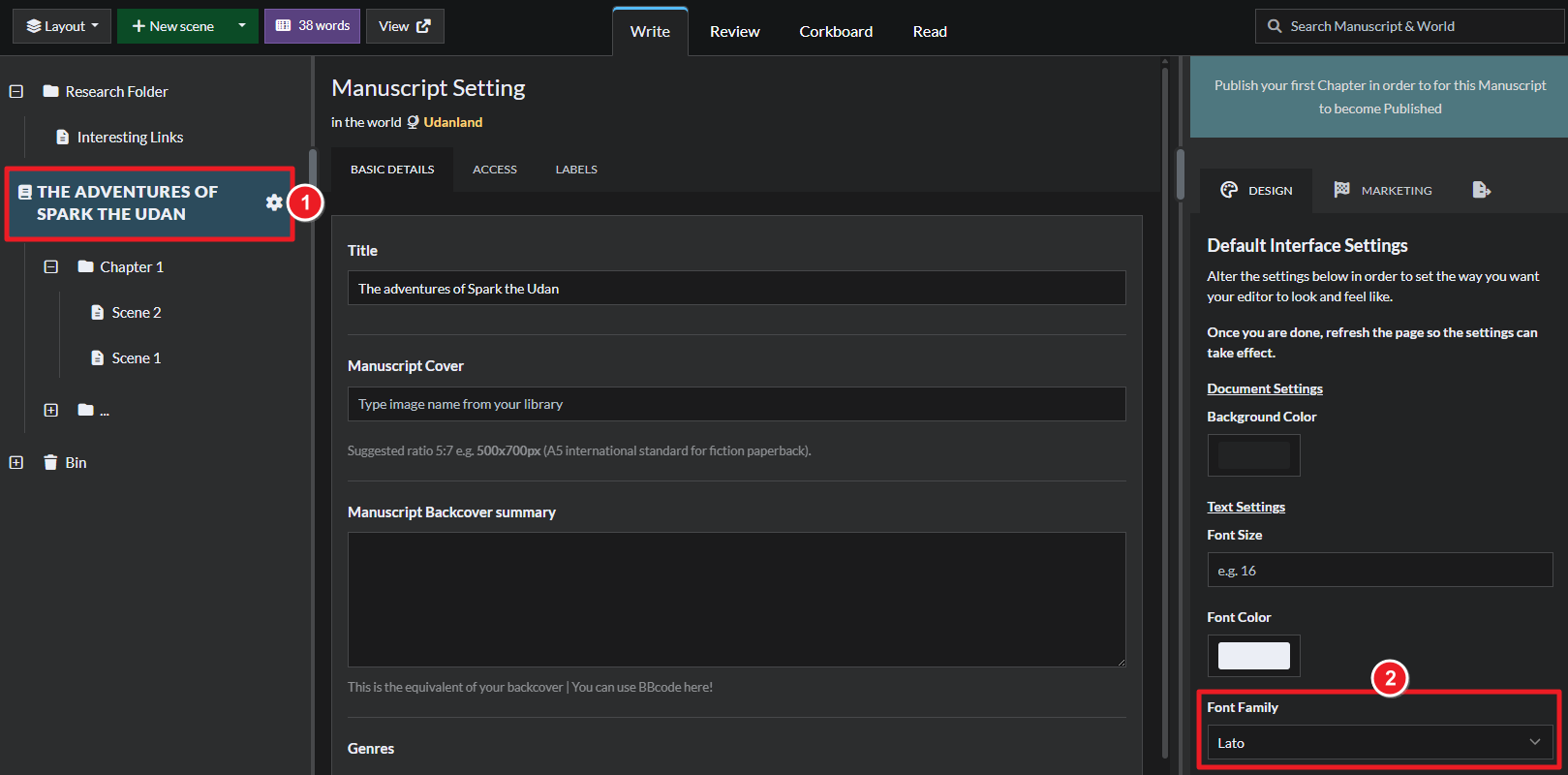
- Open the Manuscript for editing.
- On the top left, click the title of your Manuscript.
- On the right, click on the design tab and select a font from a dropdown list under Font Family.
- Refresh the page for the changes to be applied to the interface.
For more customization options, check how to change the background color and how to tweak the interface layout. For more information and help with Manuscripts, check the Feature Guide to Manuscripts.