White Font While Editing Statblocks
Description
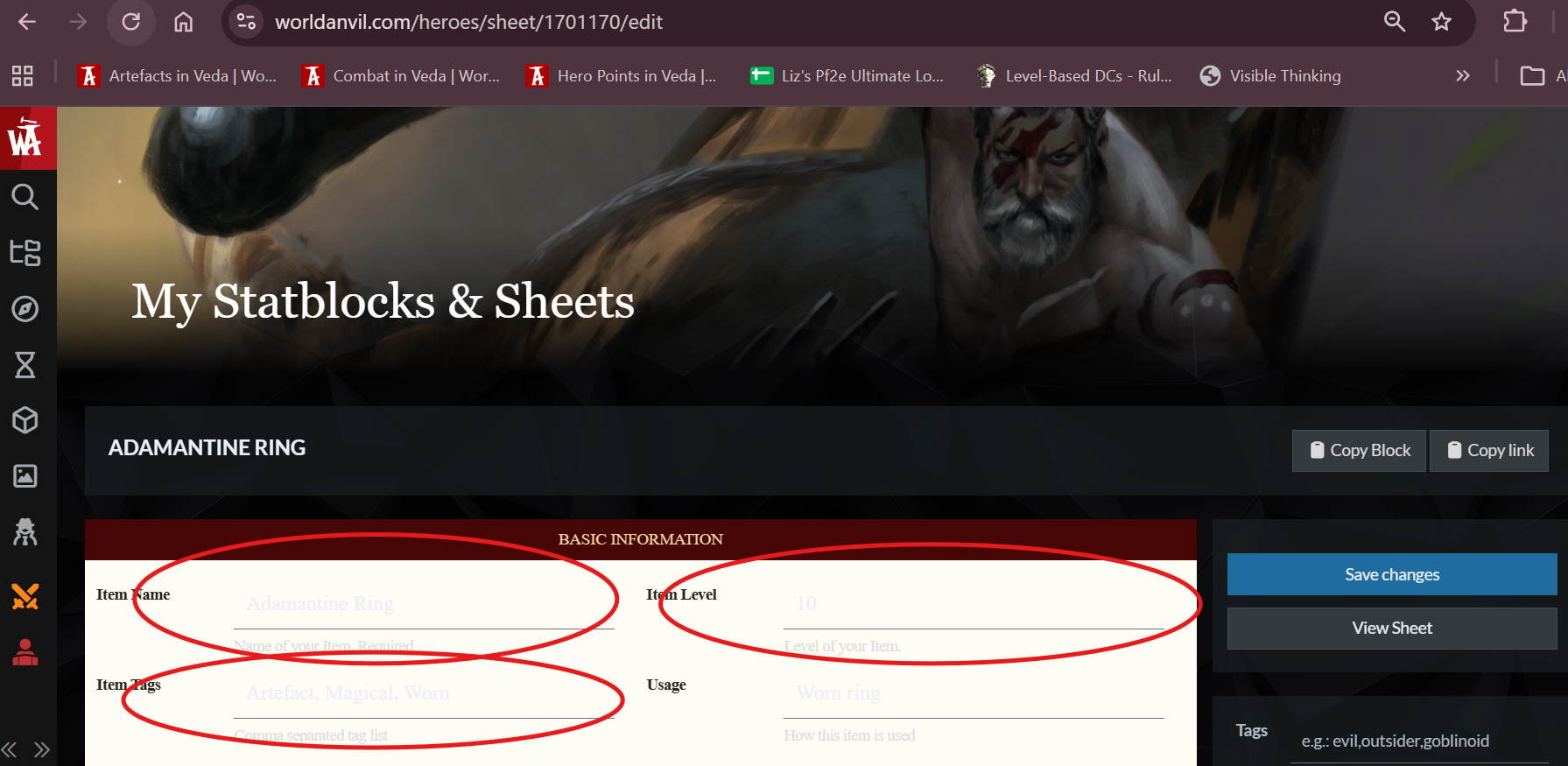
When editing or creating statblocks it comes up as white font on white background making it impossible to use. Have tried on ipad: chrome & safari, samsung phone, windows laptop, cleared cache, closed all windows, reset computer, waiting 3 days before reopening and it remains unusable. I tried turning off dark mode, tried with dark mode, no avail.
It is definitely an issue with the editing side, as the statblocks work perfectly fine on the viewer side.
Steps to Reproduce
- Log into world anvil: https://www.worldanvil.com/p/desktop
- Click on statblocks
- Click on Astral Cauldron
- It is white and appears empty but you can still save, etc. There is text when highlighted.
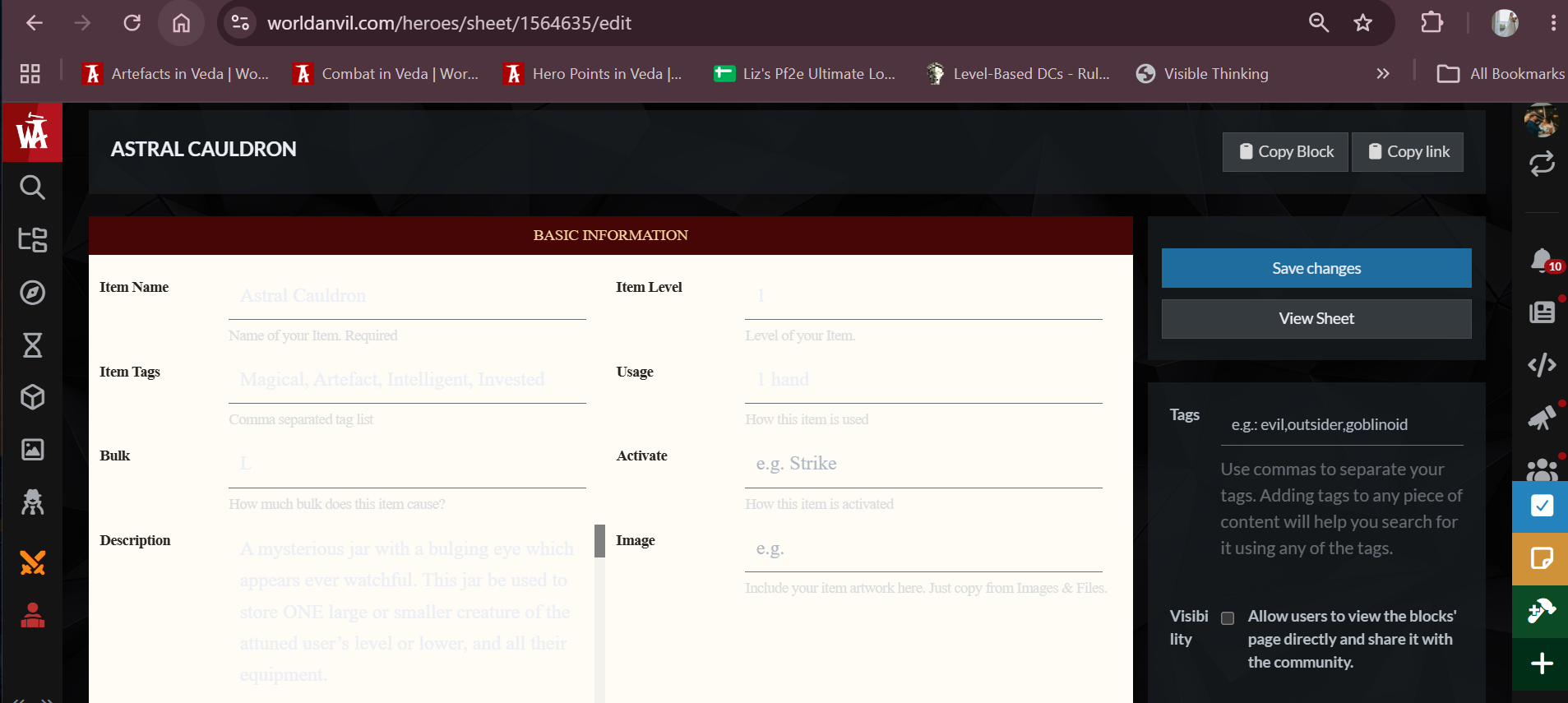
- Alternatively have also tried through an article, just in case: https://www.worldanvil.com/w/veda-lizjane/a/artefacts-article
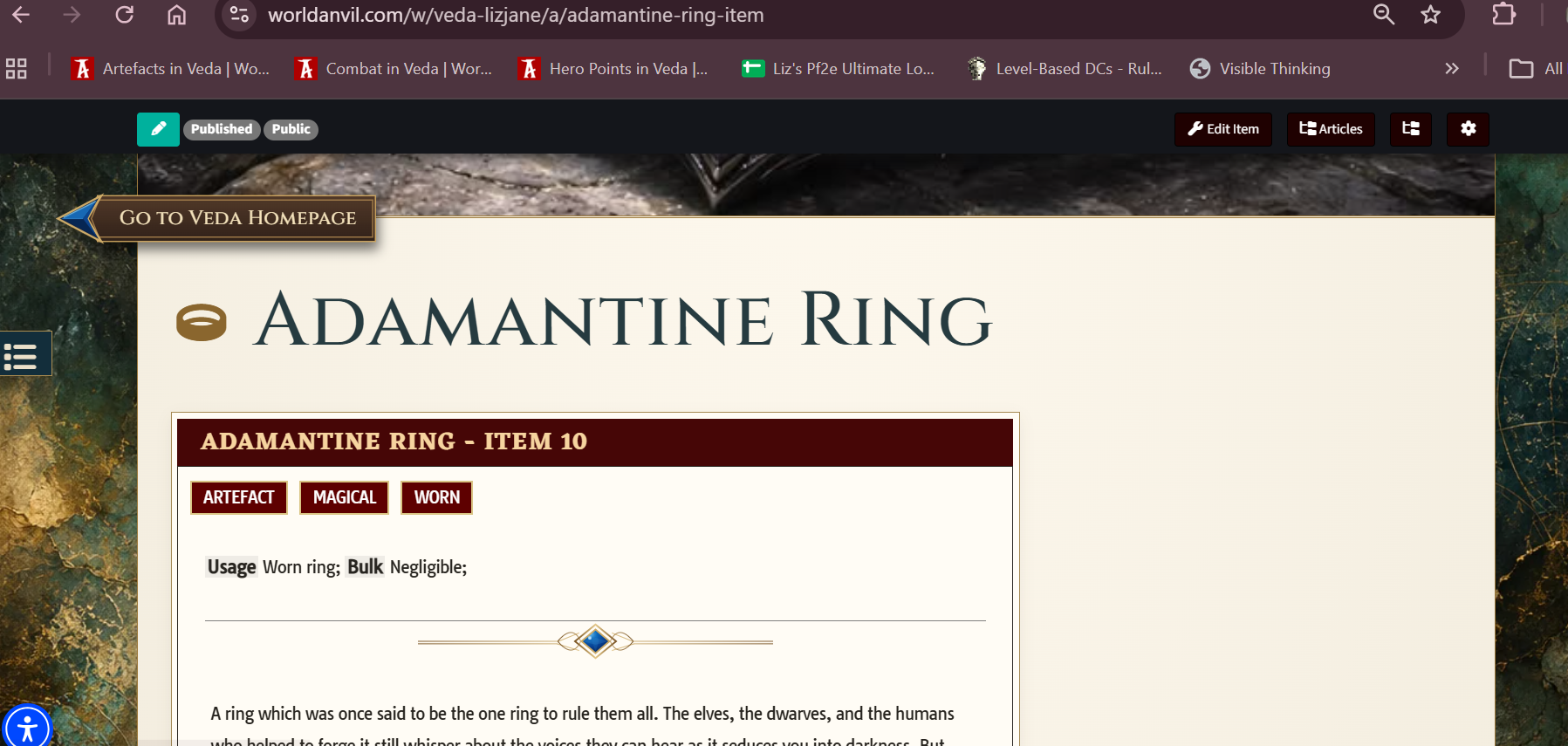
- Click on Adamantine Ring: https://www.worldanvil.com/w/veda-lizjane/a/adamantine-ring-item
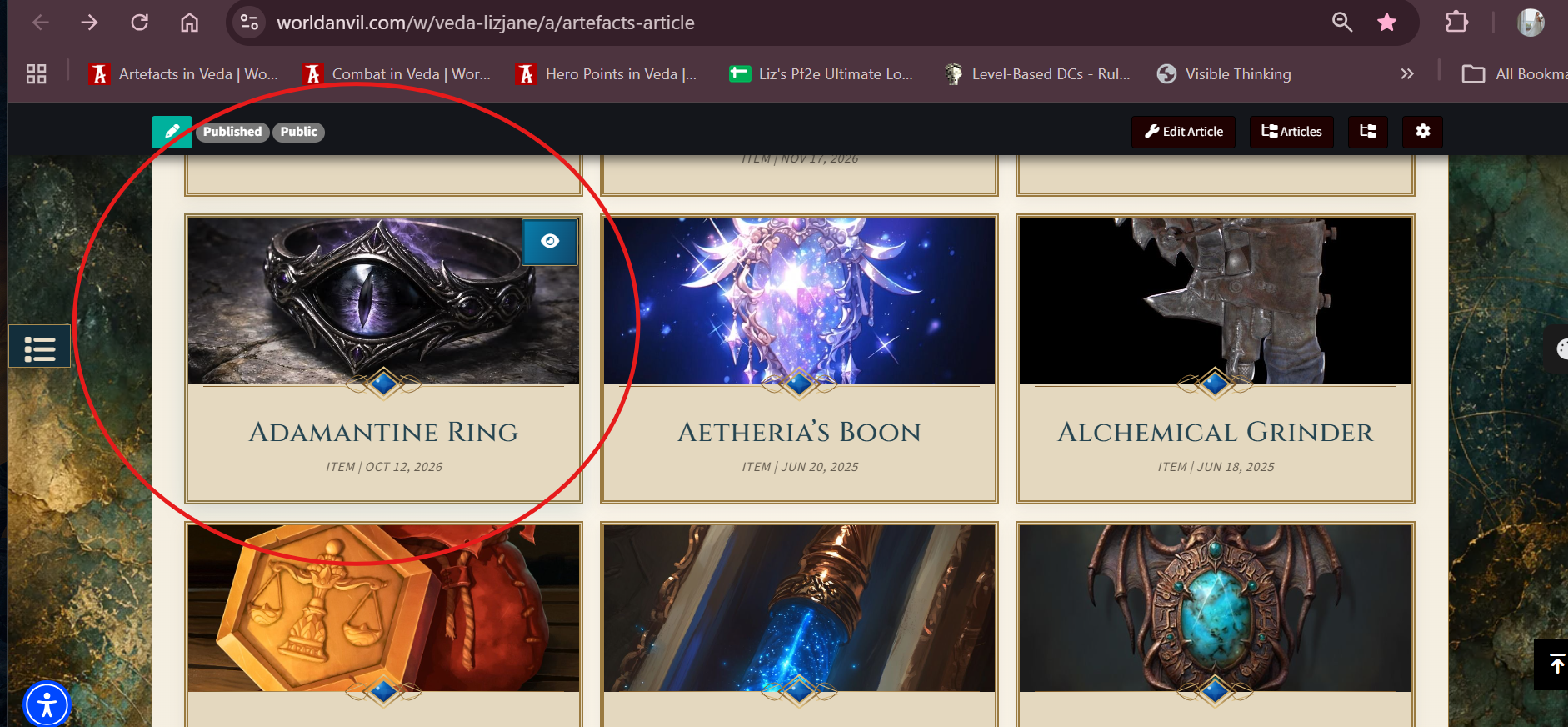
- As you can see it is viewable to readers:
- Click on the edit button, it appears empty but when highlighted you can see the words:
History
Comments and updates to this report
Find your way!
Resources
WHO WE ARE
LEGAL
Listen to our Podcast




by 3 Armored Kittens · Prodromos v.1.1 - World Anvil 0.9.15.050 © 2017-2025 [en] | Anvil Time: 23:21, Nov 23 2026